9 ways to text a lot of people — which fits you?
The best way to mass text depends on four things: how many people, whether they all use iPhone, whether each text needs their name, and whether it's for a business. For a few friends, Messages one by one is free and private. For dozens, use an iPhone app. For thousands of customers, use a registered platform.
For 60 people, personal, with names: an iPhone mass-text app fits best
Best fits, in order
For a business, get permission first, let people opt out with STOP, and never use a bought list. This is not legal advice. Read texting customers: consent and opt-out basics.
Also possible
Doesn't fit your answers
In Batchrunner 2.2, include {firstName} to open one conversation per person; without a merge token, a batch can open as a group. The app opens Messages for each person — you tap Send. Free for up to 10 people per send.
The short answer
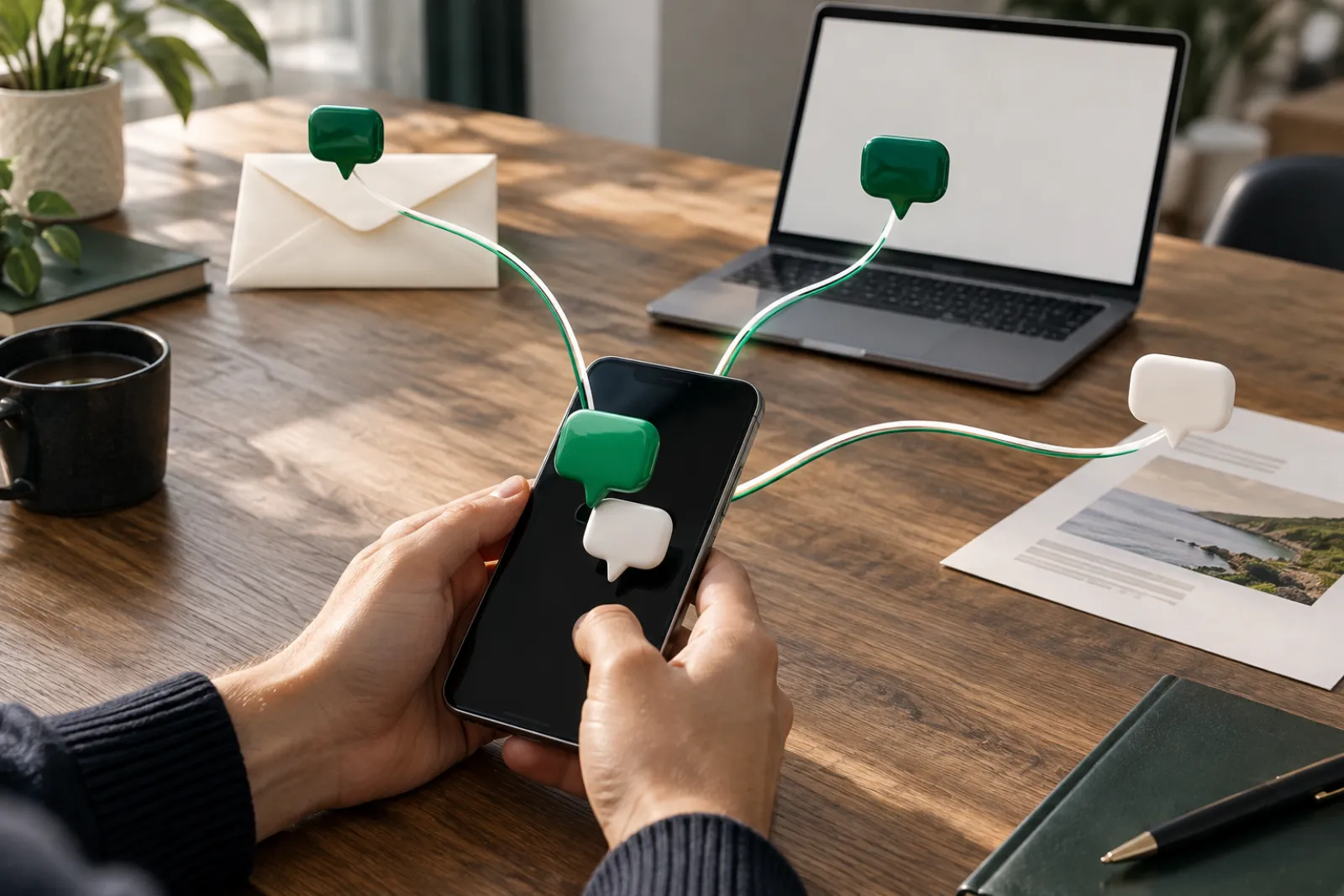
The best way to mass text depends on four things: list size, whether everyone uses iPhone, whether each text needs a name, and whether it's for a business. For a handful of friends, sending from Messages one person at a time is free and private. Somewhere around 10 to 20 people, typing each text by hand gets slow and error-prone. For dozens of people you know, an iPhone mass-text app or a WhatsApp broadcast list saves the most time. For hundreds or thousands of customers, a registered business texting platform is the right tool. A single Messages group text is the one method that lets everyone see each other's replies once it goes as iMessage or MMS. The picker below ranks all nine methods for your exact list.
Pick your method
The picker ranks nine methods from four answers.
- How many people? (number)
- Do they all use iPhone? yes / mixed / don't know
- Does each text need their name? yes / no
- Is it for a business? yes / no
Share your result: /ways-to-mass-text/?size=60&biz=no&names=yes — the link carries only the list size and two yes/no answers, never names or numbers.
How the picker ranks methods
These are our ranking rules, written out so you can check them.
| Your answer | What moves up | What drops out or moves down | Why |
|---|---|---|---|
| 1–10 people, personal | Messages one by one | A2P platform, Remind | Typing a few texts is free and fast; platforms are built for business lists |
| 11–200 people, personal | iPhone mass-text app, WhatsApp broadcast | Messages group text, Google Voice | Group text exposes replies; Google Voice groups stop at 8 people including you |
| Names needed = yes | iPhone app, A2P platform | Shortcuts (simple version), WhatsApp broadcast, BCC email | Those send the same words to everyone |
| Mixed or unknown phones | Methods that don't depend on iMessage | Send Later | Apple requires iMessage for Send Later |
| Business = yes, over 200 people | A2P platform (first), with a consent link | iPhone app, Messages | Business texting at volume needs registration and opt-in records |
| Business = yes, under 200 people, existing customers who asked | iPhone app, A2P platform | WhatsApp, Google Voice | You still need permission and a way to opt out |
Example result for ?size=60&biz=no&names=yes: 1) iPhone mass-text app — own number, names, a record of who's done. 2) Messages one by one — free and private, but 60 texts by hand. 3) WhatsApp broadcast — only if all 60 use WhatsApp, and no names. Greyed out: Messages group text (60 people would share one thread), Google Voice (group limit 8).
The full method table
This is the only page on the site that compares every method. Messages appears twice: as one group text, and as separate texts sent one by one.
| Method | Sends from your own number? | Each person their own thread? | Names merged automatically? | You tap Send? | Practical list size (people) | Cost type | Source |
|---|---|---|---|---|---|---|---|
| Messages — one group text | Yes | No. One shared thread; in iMessage and MMS groups everyone sees all replies | No | Yes, once | Apple publishes no limit; CTIA describes typical personal texting as about 10 recipients | Your carrier plan | Apple 118236; CTIA 2023 |
| Messages — one by one | Yes | Yes | No, you type each name | Yes, for every person | A few to about 15 (our estimate of where it gets tedious) | Your carrier plan | Our assessment |
| Send Later (iOS 18) | Yes | One conversation per scheduled message | No | Yes, when you schedule it | One conversation at a time; up to 14 days ahead | Free; iMessage only | Apple iPhone User Guide (iOS 18) |
| Shortcuts | Yes | Yes, if the shortcut sends to one person at a time (community how-tos) | Not in the simple version; same text for everyone | Apple doesn't document whether a Send Message step goes out without a prompt | Depends on your build | Free | Apple Shortcuts guide; community reports |
| Google Voice | No, your Google Voice number | Group texts are one thread | No | Yes | Group texts: up to 8 people including you; Google says it isn't for bulk | Not checked by us | Google Voice Help 115116 |
| WhatsApp broadcast list | Your WhatsApp account (not SMS) | Yes, per WhatsApp's description of broadcasts | No | Yes, once | Not stated here — we couldn't open WhatsApp's article to verify the number | Free app; uses data | WhatsApp Help Center (unverified, see note) |
| BCC email | No, your email address | Recipients hidden from each other | No (needs a mail-merge tool) | Yes, once | Set by your email provider | Free | Standard email feature |
| iPhone mass-text app | Yes, through Messages | Usually yes; check each app. Batchrunner 2.2: yes when the text includes {firstName} | Usually yes | Yes. Batchrunner opens Messages and you tap Send; check how each other app sends | Dozens per session (our estimate) | Free tier, then subscription or one-time (varies by app) | App listings; our app |
| Team/school apps (e.g. Remind) | No, the app's service | Announcements to the class or team | Not checked | Yes, you post once | Class, team or school size | Remind Chat free for teachers, coaches, individuals; school plans via sales | remind.com |
| A2P business platform | No, a registered business number | Yes, each subscriber gets the text | Yes, merge fields | No, campaigns can go out on a schedule | Hundreds to thousands of opted-in people | Monthly plan + carrier fees + 10DLC registration | The Campaign Registry; CTIA |
WhatsApp note: WhatsApp's broadcast-list article did not load for us on 4 Nov 2026, so we don't print a list-size number. Check the WhatsApp Help Center before relying on one.
What each method is good at
Messages, one by one. It's free, it's your number, and nobody sees anyone else. If your list is small, this is the honest best answer. The step-by-step version is on our guide to text many people individually on iPhone, which also has a free send list that opens Messages for each person.
Messages group text. Good for a small group that wants to talk to each other, like a carpool. Bad for announcements, because replies reach everyone in iMessage and MMS groups. Before you send, the checker at will my text become a group chat gives a verdict for your list. The cell-by-cell data behind it is in what happens when you text a group from an iPhone.
Send Later. Built into Messages on iOS 18 and later. It schedules one conversation up to 14 days ahead, and Apple requires iMessage. It is not a list tool — see schedule a text on iPhone (Send Later) for the limits.
Shortcuts. Free and flexible if you like building things. The simple loop sends the same words to everyone, and the setup lives on one device. Our walkthrough of mass texting with Shortcuts shows what works and what breaks.
Google Voice. Useful as a free second number for conversations. Google's help page says group texts top out at 8 people including you, and that sending the same text to many people can get messages blocked. It also tells teachers to use other tools for bulk messages.
WhatsApp broadcast list. Free and private for people who already live on WhatsApp. It doesn't reach anyone who only uses regular texts.
BCC email. Free, hides everyone, and needs no app. It's email, though, so it's easy to miss compared to a text.
iPhone mass-text app. Sends from your own number through Messages, merges names, and keeps track of who's done. You still tap Send on iPhone. Apps differ a lot, so we wrote a 10-point checklist at iPhone mass-text apps: what to check before you pay.
Team and school apps. Built for one coach or teacher talking to many families. If you coach a team, our page on texting your team's parents covers when a text is still the better choice.
A2P business platforms. Built for businesses texting large opted-in customer lists, with registered numbers, opt-out handling and scheduling.
Why replies sometimes go to everyone
Apple's Messages app picks the message type on its own. If everyone uses iMessage, a group text goes as a group iMessage, and everyone sees all replies. If anyone doesn't, it goes as MMS, SMS or (on iOS 18+) RCS. In a group MMS, everyone sees all replies too. Only in a group SMS do replies come back to you as separate texts that others can't see (Apple 118236). You can't choose which one you get, which is why one text per person is the safe default.
Who an iPhone app is NOT for
An iPhone mass-text app, including ours, is the wrong tool if:
- You're texting thousands of customers or running marketing. You need a registered A2P platform with opt-in records and automatic STOP handling.
- You want texts to go out while your phone sits in a drawer. Messages needs your tap for every batch. Only server-based platforms send on a schedule.
- You're a teacher messaging a whole class. School tools like Remind fit school policies better than your personal number.
- Your people all use WhatsApp. A broadcast list there is free.
- You use Android. iPhone apps don't run there.
If it's for a business at all, read texting customers: consent and opt-out basics first. In short: get permission, let people opt out with STOP, and don't buy lists. The FCC says commercial texts sent with an autodialer need prior written consent, and CTIA counts anyone texting on behalf of a business as a business sender, even from a personal phone. This is not legal advice.
Where the iPhone app fits
When the picker ranks an iPhone app first, it's because you have dozens of people, you want their names in the text, and you want it from your own number. Our app is one option; Batchrunner for iPhone explains exactly what it does and doesn't do. For limits on group size, see how many people can you put in a group text.
Your result: 60 people, personal, with names. Batchrunner opens Messages batch by batch from your own number. You tap Send. A ledger marks each person sent, remaining or skipped, and you can pick up where you stopped. In Batchrunner 2.2, include {firstName} to open one conversation per person; without a merge token, a batch can open as a group. Free for up to 10 people per send, 2 groups and 2 templates; Pro is $7.99/month or $39.99/year with a 3-day free trial. iPhone only, iOS 17+.
Get Batchrunner on the App StoreBatchrunner opens Messages; you tap Send for each recipient.
Text blast, mass text, bulk SMS, broadcast: same thing?
They're mostly names for the same job: one message, many people. What changes is how it lands.
| Word people use | Usually means | Whose number | Who sees replies |
|---|---|---|---|
| Group text | One conversation with everyone | Yours | Everyone |
| Mass text / text blast | The same text to many people, often from a platform | The platform's, unless you use a phone method | Only you, if each person gets their own text |
| Bulk SMS | Platform sending through a business number | The platform's registered number | Only you |
| Broadcast list | One message delivered to each person separately (WhatsApp's term) | Yours | Only you |
Got a spreadsheet of numbers? Check the spreadsheet before you text it.
Questions people ask
How do I send a text to 100 people?
From an iPhone, send it as 100 separate texts, not one group text. A group text to 100 people would let everyone see each other's replies once it goes as iMessage or MMS. For personal lists, an iPhone app that opens one text per person is the practical route. For customers, use a registered texting platform and only text people who asked.
How do I text more than 20 people?
Apple publishes no group-text limit, and the '20 people' figure comes from forums, not Apple. The bigger issue is privacy: in a group iMessage or MMS, all 20+ people see every reply. Send one text per person instead — by hand, with an iPhone app, or with a WhatsApp broadcast if they all use WhatsApp.
Can I send 100 text messages at once?
Not with one tap on iPhone. Apps that send through Messages open the text for you; you tap Send. Registered texting platforms send scheduled campaigns from a business number, which is built for opted-in customer lists, not personal ones.
Mass texting — what programs are people using?
Four kinds: Messages itself (group or one by one), iPhone mass-text apps that open Messages for you, chat apps like WhatsApp broadcast lists, and A2P business platforms with registered numbers. Schools often use Remind. The table on this page compares all of them on the same seven columns.
What app can teachers use to text parents?
School-scale messaging tools such as Remind fit better than a personal phone. Remind says its chat product is free for teachers, coaches and individuals. Google's own Voice help page tells teachers to use email, the school website or other apps for bulk messages.
Can I mass BCC a text on iPhone?
Messages has no BCC field. The closest equivalent is sending one text per person. If an email is fine, BCC email hides recipients from each other for free.
Can a texting service send from my own cell number?
Usually not. Most business texting platforms send from a number they provide or that you register with them. Methods that use Messages on your iPhone send from your own number, and you tap Send.
Sources (10)
- Apple Support — Send a group text message on iPhone (118236), published Jan 9, 2026. support.apple.com/en-us/118236 — checked 4 Nov 2026.
- Apple Support — If you can't send or receive messages on iPhone (118433). support.apple.com/en-us/118433 — checked 4 Nov 2026.
- Apple iPhone User Guide — Send Later (iOS 18). support.apple.com/guide/iphone/iph5ae9a7be6/18.0/ios/18.0 — checked 3 Nov 2026.
- Apple Shortcuts User Guide — personal automation (iOS 18). support.apple.com/guide/shortcuts/apd602971e63/8.0/ios/18.0 — checked 3 Nov 2026.
- Google Voice Help — Send text messages. support.google.com/voice/answer/115116 — checked 4 Nov 2026.
- WhatsApp Help Center — How to use broadcast lists. faq.whatsapp.com/861663048350950 — opened 4 Nov 2026; article body did not load, no figures used.
- Remind. www.remind.com — checked 3 Nov 2026.
- CTIA Messaging Principles and Best Practices (May 2023). api.ctia.org/wp-content/uploads/2023/05/230523-CTIA-Messaging-Principles-and-Best-Practices-FINAL.pdf — checked 3 Nov 2026.
- The Campaign Registry — Intro to 10DLC. www.campaignregistry.com/wp-content/uploads/TCR-Intro-2026-v4_comp.pdf — checked 3 Nov 2026.
- FCC — Stop Unwanted Robocalls and Texts (archived copy). web.archive.org/web/20261025013054/https://www.fcc.gov/consumers/guides/stop-unwanted-robocalls-and-texts — checked 3 Nov 2026.