How to text many people individually on iPhone (without a group chat)
To text many people individually on iPhone, send the same message to each person in its own conversation. Messages has no BCC or 'send separately' button. Several people in the To field can become a group chat. Start each text from the compose button, one person at a time, or paste your list below for one link per person.
- Sent0
- Remaining0
- People0
In Batchrunner 2.2, include {firstName} to open one conversation per person; without a merge token, a batch can open as a group. Batchrunner opens Messages; you tap Send for each person.
Get Batchrunner on the App StoreNothing is uploaded. Names and numbers stay in this browser and never go in the page address. Your people are in a Contacts List? Export the List as a .vcf and drop it here.
The short answer
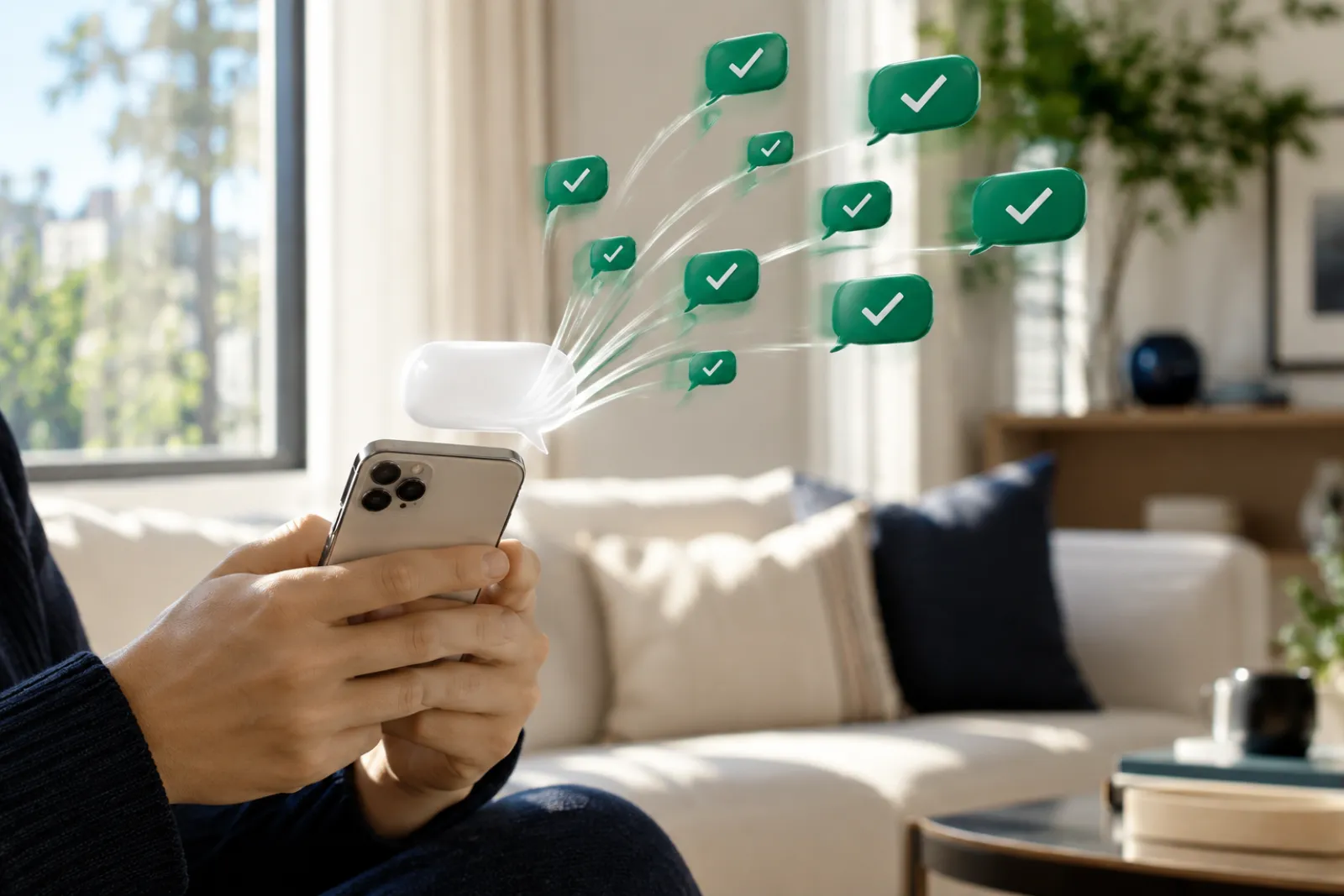
To text many people individually on iPhone, send the same message to each person in its own conversation. Messages has no BCC field and no "send separately" button. If you put several people in the To field, Messages treats it as one group message, and it may become a group chat where replies go to everyone. The reliable way is one text per person, started from the compose button each time. By our estimate that takes 20–30 seconds a person by hand, so 10 people is a few minutes and 50 people is a long evening. A name in each text, like "Hi {firstName}," makes every copy personal and is how apps keep each text one-to-one. The send list above does the repetitive part: one tap opens Messages to one person with your text filled in.
Texting clients, students or vendors for work? Ready texts by job are on texts for your job.
Use the send list, one row at a time
Your list never leaves your device. There's no account, no upload, and the page address never contains names or numbers.
Some browsers may open Messages without the text filled in; if that happens, tap the row's Copy button and paste.
- 1Paste your listas "Name, number" — one person per line — or drop a contact card (.vcf) or a spreadsheet (.csv).
- 2Paste or write your message.Use {firstName} where the name goes. Coming from the message writer? Your text is already there.
- 3Tap "Make my send list."You get one row per person, with their own text.
- 4Tap "Open in Messages"on a row. Messages opens a new conversation to that one person with the text filled in.
- 5Tap Send in Messages,come back, and tick the row. The list remembers ticks in this browser, so you can stop and finish later.
- 6Exportthe list as CSV when you're done, if you want a record of who you texted.
Or do it in Messages by hand
These are Apple's steps for starting a conversation, done once per person. Want the words first? The writer on the Batchrunner home page shows the text as each person will see it.
- 1Open the Messages app.
- 2Tap the Compose buttonin the conversation list, at the bottom of the screen.
- 3Tap the To field and enter one person's name or number.
- 4Type or paste your message.Change the name if your text has one.
- 5Tap the Send arrow.
- 6Repeat for the next person.
Never add a second person to the To field — that's what turns it into a group.
New number?
Pick the people you actually text, not your whole address book: a new-number text to someone who never texts you is the most likely to be ignored or reported. Paste them into the send list above with this text: "Hi {firstName}, it's Jen. New number: this is it. Please save it and delete the old one." Each row opens Messages for one person; you tap Send.
What each way asks of you, per person
| List size | By hand in Messages (actions per person) | Send list on this page (actions per person) | Batchrunner app |
|---|---|---|---|
| Any size | 5: new message · type or pick the name · paste · edit the name · Send | 3: Open in Messages · Send · tick the row | 1 tap on Send per text; the app moves to the next person and marks the ledger |
| 10 people | 50 actions | 30 actions | Free plan covers 10 per send |
| 25 people | 125 actions | 75 actions | Pro: no cap, batch by batch |
| 50 people | 250 actions | 150 actions | Pro: ledger tracks sent / left |
| 100 people | 500 actions | 300 actions | Pro: resumes after interruptions |
We count actions from the steps above, not seconds: we haven't timed these on an iOS 26 device yet, so we don't print minutes. Every option still needs your tap on Send; no iPhone method sends texts on its own.
BCC a text? Here's the closest thing
iPhone texts have no BCC. "BCC" people usually want two things: nobody sees who else got it, and replies come back only to you. One text per person gives both. A group iMessage or group MMS gives neither — Apple says everyone in those groups can
"See all responses from the group."
Texting from your own number
Everything on this page sends from your own iPhone number, so people see a name they know. That matters because many iPhones filter texts from unknown numbers into a separate list without a notification (Apple: Screen Unknown Senders). Services that text from a different number can land there. For business texting at scale you need a registered platform instead — see the full comparison on ways to mass text.
The old "turn off Group Messaging" trick
| What people say | What we found | Source tier |
|---|---|---|
| "Turn off Group Messaging and the iPhone sends separate texts" | Apple said this in 2014: with group messaging off, a message to several people went as separate texts and only the sender got the replies | Apple, archived (2014) |
| "Settings > Messages > Group Messaging" | Apple's current pages don't describe what the switch does; they only say it may not appear, depending on your carrier | Apple, current (118433) |
| "The switch is gone on iOS 17+" | Reported by users in Apple Community threads; Apple hasn't said so | Community report |
Our take: don't rely on a setting to keep a list private. The setting is on your phone, but whether a group forms also depends on everyone else's phones and carriers. More detail is on Group Messaging and MMS Messaging on iPhone.
Why replies sometimes go to everyone
Messages picks the message type for a group: iMessage if everyone is on Apple devices with iMessage, otherwise MMS, SMS or, on iOS 18 and later, RCS. In group iMessage, group MMS and group RCS, everyone sees every reply. Only in a group SMS do replies come back privately, and you can't force that. The full explanation is on why replies go to everyone. To get a verdict for your own list, use will my text become a group chat.
Other ways
Shortcuts, Send Later, Google Voice, email and business platforms each fit some lists and not others. We compare them all in one place, so this page doesn't repeat it: see our comparison of ways to mass text.
- iMGroup iMessageEveryone sees every replyEveryone
- MMGroup MMSEveryone sees every replyEveryone
- RCGroup RCSiOS 18 and later · everyone sees every replyEveryone
- SMGroup SMSReplies come back privately — you can't force itOnly you
When the list gets long, pick up right where.
Past 20 or 30 people, the taps add up. The Batchrunner app takes the same idea — one text per person, from your own number — and runs it from your Contacts. It fills in each name, opens Messages batch by batch, and marks sent, remaining and skipped, so a dead battery doesn't mean starting over. In Batchrunner 2.2, include {firstName} to open one conversation per person; without a merge token, a batch can open as a group. Prices and limits: Batchrunner for iPhone.
40 people? Get Batchrunner on the App StoreOpen House — Maple Ave
- Sent20
- Remaining19
- Skipped1
Batchrunner opens Messages; you tap Send, and it marks each person off when you're back.
Everything in this section
One text per person from your own iPhone: the free send list, the methods, and what to do when a text does not arrive.
- How to text many people individually on iPhoneTool
iPhone has no BCC for texts. To text many people individually, send one text per person. Paste your list below to get a Messages link for each person.
- 9 ways to text a lot of peopleTool
The best way to mass text depends on list size, names and business use. Messages one by one suits a few people; for more, use an app or a platform.
- iPhone mass-text apps: what to checkTool
A good iPhone mass text app sends from your number, gives each person their own thread and says you still tap Send. Use our 10-point checklist to compare.
- Send texts from a spreadsheetTool
Check your Excel or Google Sheets list before you text it: missing numbers, duplicates, blank first names. Nothing is uploaded. Then send one text each.
- Make a contact group (List) on iPhone
In Contacts, tap Lists, then Add List. Messaging a whole list makes a group chat, so export the list as a .vcf and text each person on their own.
- Mass texting with Shortcuts
A Shortcut can text a list one person at a time: put Send Message inside Repeat with Each. Apple's steps, the switches, and where the loop breaks.
- Schedule a text on iPhone (Send Later)
On iOS 18 or later, tap +, then Send Later, and pick a time up to 14 days ahead. Apple requires iMessage. Exact steps, limits, and what to do for SMS.
- Set a reminder to send your weekly textTool
Messages has no repeating send. Make a repeating calendar reminder (.ics) with your message inside, so you tap Send at the right time.
- Why some people didn't get your text
Some people miss a mass text because it never sent, went green without a plan, was filtered as unknown or spam, or was blocked. Check each cause, in order.
Questions people ask
Can you BCC text messages on iPhone?
No. Messages on iPhone has no BCC field. Sending one text per person is the closest thing: nobody sees who else got it, and replies come only to you.
How do I send mass text without having everyone see each other's response?
Send separate texts instead of one group message. In a group iMessage or group MMS, everyone sees every reply. A one-to-one text keeps each reply private.
Is it possible to send the same message to multiple people in a contact list on iOS 16?
Apple doesn't document a 'message everyone in this list' option on iPhone, and users on iOS 18 report it doesn't work. Export the list as a vCard and drop it into the send list above instead.
How do I send a mass text with no group?
Write the text once, then send it to each person separately — by hand for a few people, with the send list here for a dozen, or with an app for a large list.
How do I send the same text to multiple contacts separately?
Send one conversation per person. Paste the names and numbers into the send list on this page; each row opens Messages for one person with the text filled in, and you tap Send.
How do I forward a text to several people individually?
Copy the text, paste it into the send list's message box, add the people, and open one row at a time. Forwarding to several people at once in Messages starts a group.
Sources
- Apple iPhone User Guide, "Send and reply to messages on iPhone" — compose steps. Checked 4 Nov 2026.
- Apple Support, "Send a group message on your iPhone or iPad" (118236) — group types and replies. Checked 4 Nov 2026.
- Apple Support, "If you can't send or receive messages on your iPhone or iPad" (118433) — Group Messaging may not appear. Checked 4 Nov 2026.
- Apple Support, archived HT202724 (Nov 2014) — old Group Messaging behavior. Opened 3 Nov 2026.
- Apple iPhone User Guide, "Screen and filter texts" — Screen Unknown Senders. Checked 4 Nov 2026.